Drawing tools
Working with Vlevel's chart drawing tools: trend and horizontal lines, the magnet, Fibonacci retracement, the long and short position tools, and editing and managing your drawings.
Lesson 3·3:09 min·Narrated in Persian.
In this lesson
- The toolbar on the left and its 80+ tools in groups
- Trend lines, horizontal lines and Fibonacci with keyboard shortcuts
- The magnet: points snap to the candles' prices
- The position tool with target, stop and risk/reward
- Editing, locking, copying, deleting and undoing with Ctrl + Z
Previous lessonLesson 2: Indicators
Next lessonLesson 4: Price alerts(Coming soon)
All lessons
Academy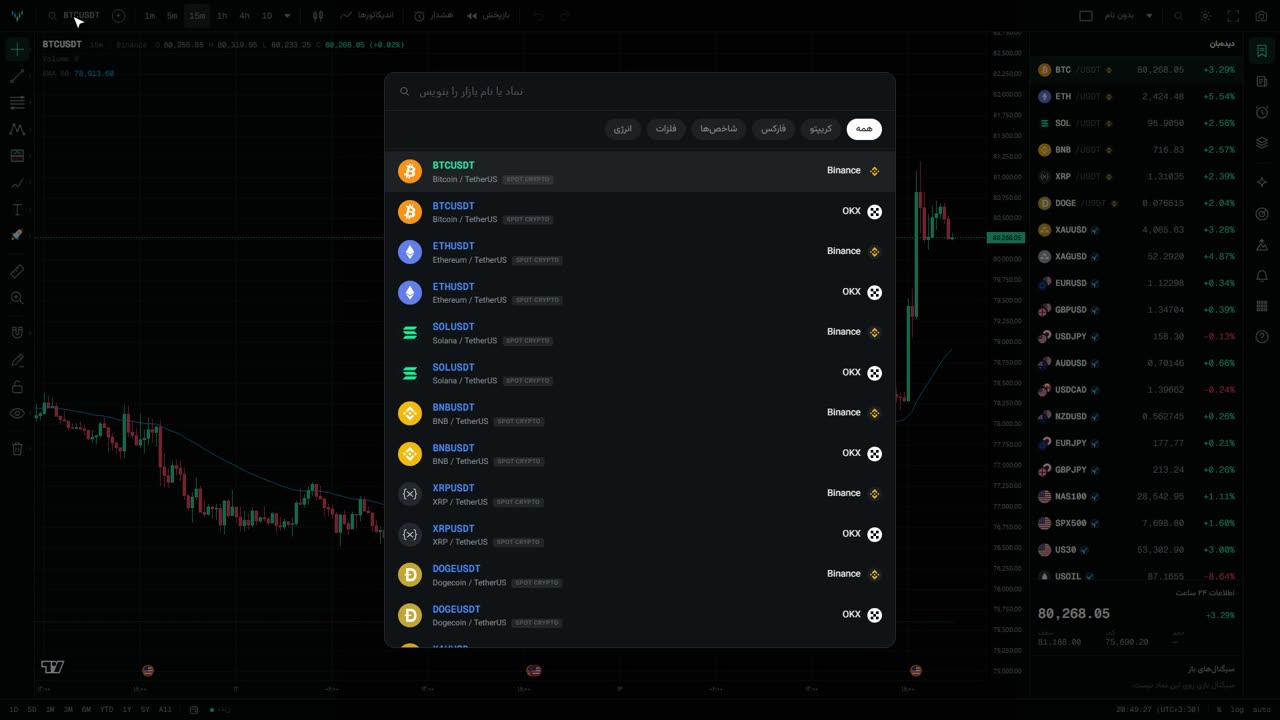 Lesson 12:46
Getting to know the chart
A tour of the Vlevel chart: finding a symbol, switching intervals from the keyboard, chart types and moving back through market history.
 Lesson 23:24
Indicators
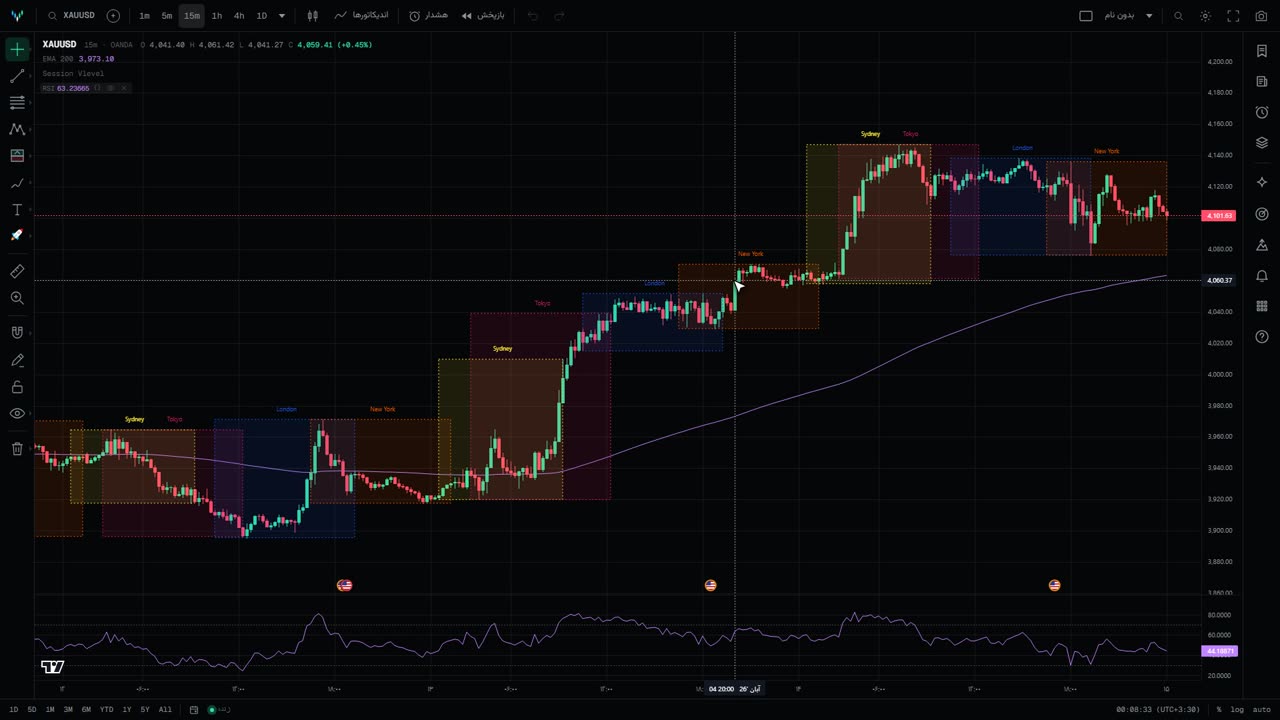
Working with Vlevel's chart indicators: adding, hiding and removing them, seeing their code and saving your own copy, favorites, and Vlevel's own indicators.
Coming soonLesson 4
Price alerts
Creating price alerts and getting notified by sound and browser notifications.
Coming soonLesson 5
Multi-chart layouts
Several symbols side by side, saving a layout and coming back to it.