Vlevel Academy
Learn Vlevel step by step
Short visual lessons, from opening the chart for the first time to backtesting an idea with AI. Each lesson takes a few minutes and you can jump to any chapter.
Platform course
Everything about Vlevel's tools, in the order you'll need them.
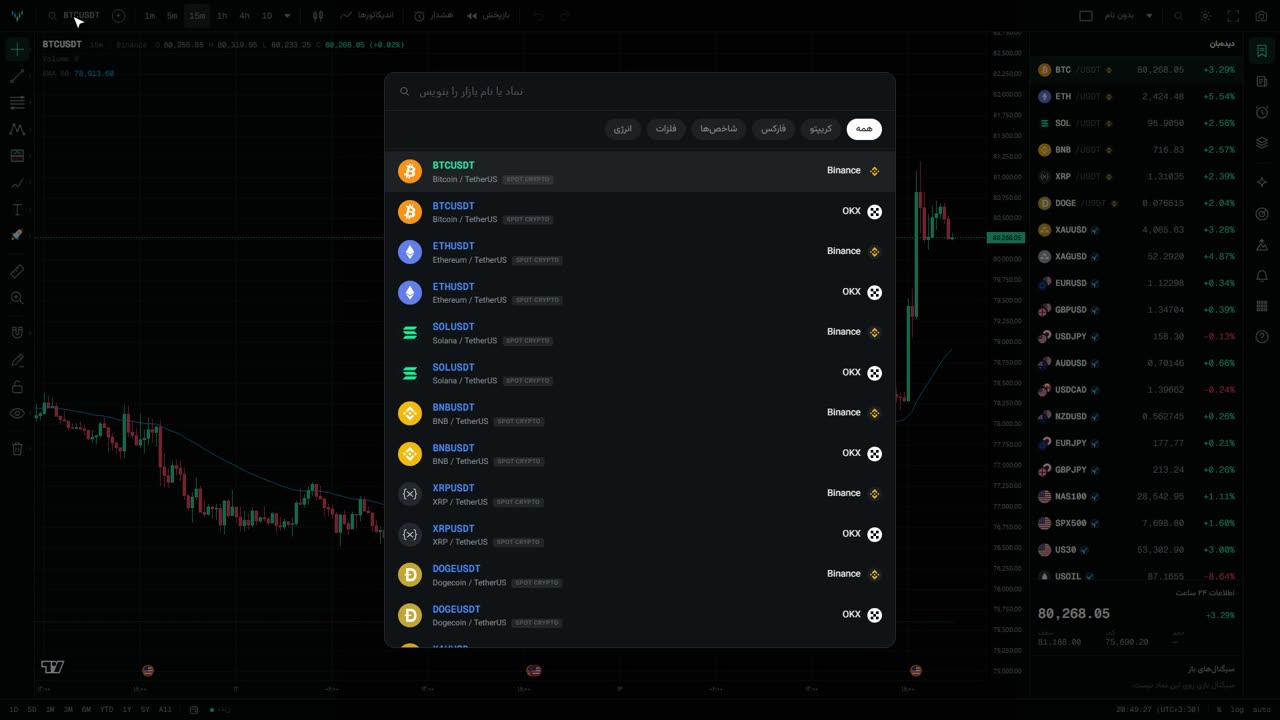 Lesson 12:46
Getting to know the chart
A tour of the Vlevel chart: finding a symbol, switching intervals from the keyboard, chart types and moving back through market history.
Watch· 2:46 minIndicators
Adding and setting up indicators, favorites and indicators from the marketplace.
Drawing tools
Trend lines, Fibonacci, long and short positions and the other drawing tools.
Price alerts
Creating price alerts and getting notified by sound and browser notifications.
Multi-chart layouts
Several symbols side by side, saving a layout and coming back to it.
The AI Lab
Describing a trading idea in plain words and backtesting it on real data.
Signals and the dashboard
Signals on the chart, the public track record and the dashboard.